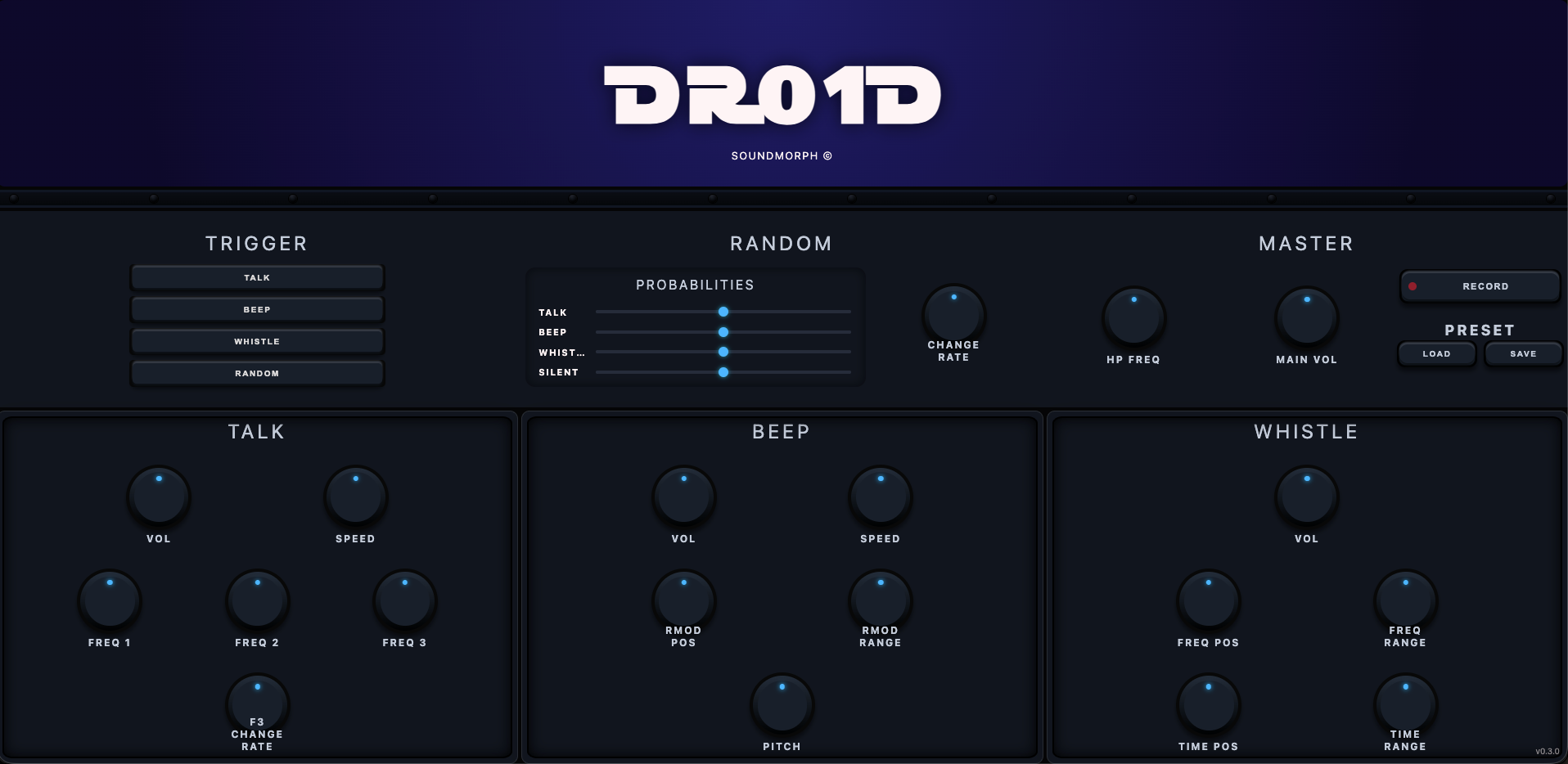
DR01D Online Synthesizer

Subscribe now to gain exclusive access to this powerful tool. This is not just a synthesizer; it’s your canvas, your playground, your laboratory of sound. Whether you’re crafting the soundtrack for a sci-fi epic or experimenting with avant-garde audio textures, the DR01D will elevate your projects to new heights.

Important install note

Open this file after downloading every part:

For multipart sound libraries

  1. Download every part into the same folder. Wait until every download has finished, and keep the original filenames unchanged.
  2. Open Part 1 only in one of the apps below: the file ending in .7z.001, .zip.001 or .part1.rar (sometimes .part01.rar). For older .rar + .r00 sets, open the .rar file.
  3. The app reads the remaining parts automatically and extracts the complete library. Keep all parts together until extraction finishes; you do not need to open the other parts.

If your library contains separate, complete ZIP archives instead of numbered volumes, extract each ZIP separately. Software installers have their own instructions.

Mac — Keka recommended
Keka is our recommended Mac app for large SoundMorph libraries and can be faster than The Unarchiver. Get the free direct download from Keka’s website, or support its developer with the Mac App Store version ($6.49 USD). Store pricing varies by region and may change. The Unarchiver also works and is free. Extraction speed depends on your Mac and the archive.

Keka users: allow folder or drive access

Keka needs permission to read the folder or drive holding your downloads, especially multipart archives on an external drive. If you have not already granted access:

  1. Open Keka → Settings (or Preferences) → File Access.
  2. Click the + button at the bottom left. Select the folder or drive containing all your downloaded parts, then click Give access to Keka (or Open).
  3. If you are extracting to a different folder or drive, grant access there too. Then open Part 1 only again.

Seeing “Operation not permitted” or “Cannot open the file as archive”? Check Keka’s access first. These messages do not necessarily mean the download is damaged.

Show Keka settings (+ button)
Keka File Access settings. Use the plus button in the bottom-left corner to add the folder or drive containing your downloads.
The arrow points to the + button. Add the folder or drive you are using; the entries shown here are just an example.

Windows — 7-Zip
Use 7-Zip, a free archive extraction app for Windows.

Make sure your drive has enough free space for both the downloaded archive parts and the extracted library.

* We’re developing a SoundMorph downloader and installer app to make downloading and installing your libraries faster and easier. Coming in 2027!

SOUNDMORPH / LICENSE

Who will use these sounds?

Choose your license.

Choose your license

Subtotal—

Taxes and discounts calculated at checkout. License details