Future Weapons 2
Designed sci-fi weapons, shots, explosions, reloads, and futuristic combat effects. Show less
Future Weapons 2 continues the series with designed sci-fi gunfire, explosions, reloads, foley, and futuristic weapon mechanics. The sounds are built for modern games, film, trailers, and technology-driven combat.
525+ sounds1.25 GB24bit / 96kHz .wavUCS - Universal Category System Naming + Soundminer & Basehead Metadata
Listen to the demo
Future Weapons 2 Listening room
Explore the sound.
Explore in headphones
Future Weapons 2
Press play to explore
You can also listen with the original player:
Pairs well with
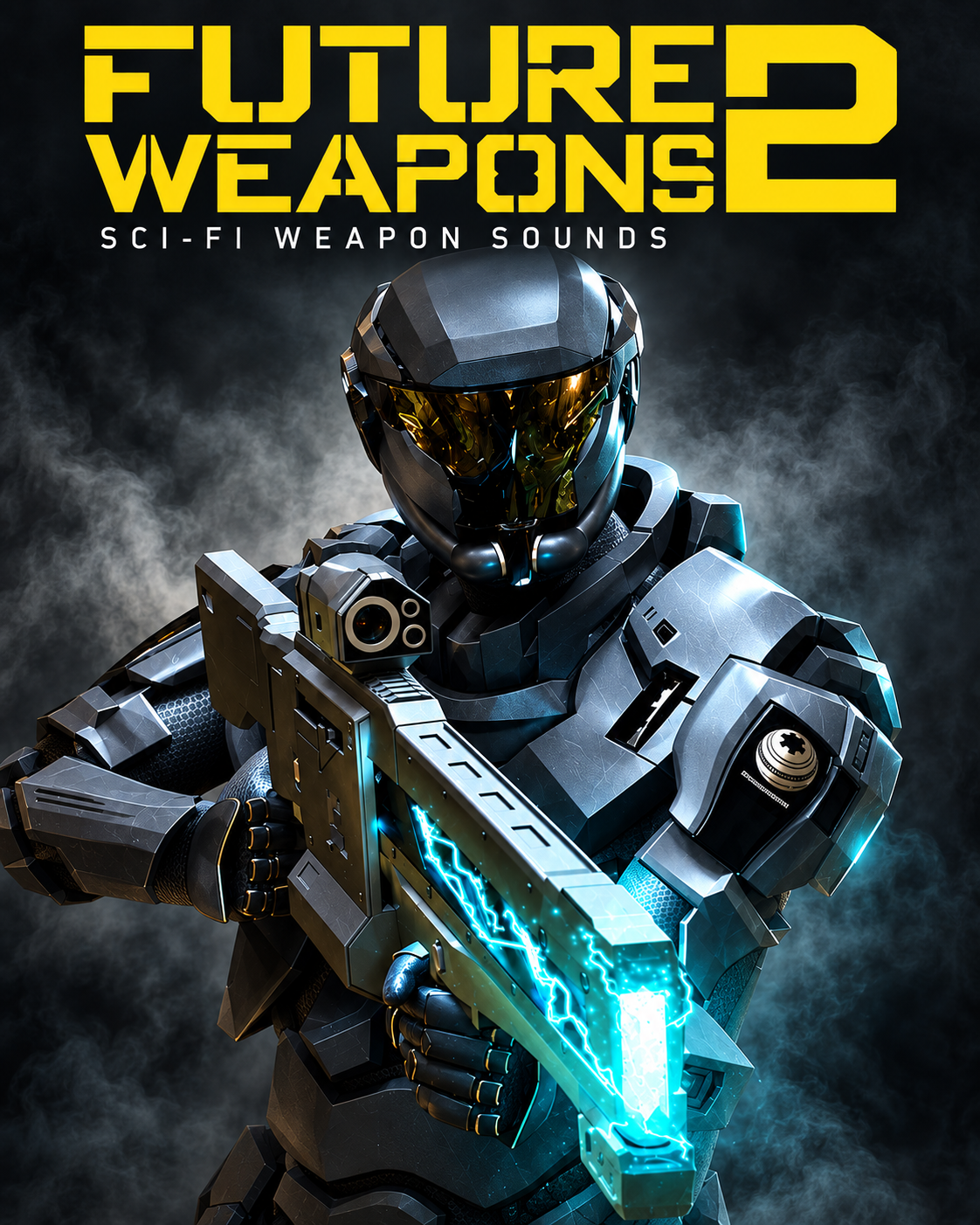
Future Weapons 2

Limited-time bonus
A Secret Library. Yours free.
Any purchase. Now through Black Friday.
Delivered at the end of Black Friday, November 27, 2026.
About the bonus
Last year’s surprise was Spark.
Tesla sparks, electrical textures and vintage machines. Explore Spark and read customer reviews to discover what last year’s surprise delivered.
Explore Spark & read reviewsThis year is still under wraps.
Make any purchase now through Black Friday to receive this year’s mystery sound library free. We’ll reveal and deliver it at the end of November 27, 2026.
If you have any questions, you are always welcome to contact us. We'll get back to you as soon as possible, within 24 hours on weekdays.
-
Digital delivery
Access your purchased sounds and software through your SoundMorph account. Log in to your library. If a purchase is missing, contact us with your order number.
-
Customer support
Need help with a download or installation? Contact our team with your product, operating system, and a description of the issue. Never send your password.
-
Questions before buying?
Find answers about account access, licensing, and Universe membership in our FAQ.
-
Contact SoundMorph
Get in touch about a product or order. For team licensing or custom sound design, tell us about your studio.
-
Audio format
24bit / 96kHz .wav
-
Files & sounds
525+ files
-
Download size
1.25 GB
Pew! Pew! The Future Is Back.
The most advanced series in weapons is back with the release of our Future Weapons 2 sound library. An all new collection of the most cutting edge weapon sounds made for the future. If you need some fresh sounding top of the line sci-fi weapons, than this is it! With professional cutting edge shots, explosions, foley, reloads and more, the Future Weapons series has been a staple in AAA games, film, and television work for the past several years. We spent half a year recording and designing Future Weapons 2, so that we can bring you the most premium and modern sounding weapons sets we could imagine and design. Chalked full of tons of top of the line content, Future Weapons 2 brings some major sound heat to your fire power.
The most advanced series in weapons is back with the release of our Future Weapons 2 sound library. An all new collection of the most cutting edge weapon sounds made for the future. With professional cutting edge shots, explosions, foley, reloads and more, the Future Weapons series has been a staple in AAA games, film, and television work for the past several years.
We spent half a year recording and designing Future Weapons 2, so that we can bring you the most premium and modern sounding weapons sets we could imagine and design.
Future Weapons 2 Listening room
Explore the sound.
Explore in headphones
Future Weapons 2
Press play to explore
You can also listen with the original player:
Build on this sound.
Included in these bundles
Get Future Weapons 2 with more.
-
Universe Bundle
The complete collection
$999View bundle -
Future Weapons Bundle
Three generations of future weaponry
$99View bundle

More bundle options
-
Warfare Bundle
An expanded arsenal
$249View bundle -
Sci-Fi Bundle
A wider science-fiction world
$249View bundle


Pairs well with
Add a different dimension to this library.
-
Future Weapons
Sci-fi weapon effects for particle beams, plasma rifles and beyond.
↗︎Preview
-
Future Weapons 3
A futuristic arsenal for detailed sci-fi weapon design.
↗︎Preview



Future Weapons 2 Explore the library
More firepower. More future.
Sci-fi shots, explosions, reloads and weapon Foley. Hear the next generation of Future Weapons.
Listen to the demoLibrary Information
Sound Categories
Transform LayersWeapons Foley
Tech Specs
- 24bit / 96kHz .wav
- 525+ Sound Files
- 1.25 GB Size
- UCS - Universal Category System Naming + Soundminer & Basehead Metadata