

A convincing horror atmosphere can begin with something ordinary: ventilation, a distant machine, the resonance of an empty room. Doom Drones 3 brings those physical spaces together with cassette experiments and synthesis to create sounds that sit beneath a scene and change how it feels.
Recorded and designed by Jason Cushing, Andrew Pals and Bryan Leach, the final chapter of the trilogy contains 303 WAV files: 280 designed drones and 23 files across recording and source categories. Here is a closer look at the material, followed by practical ways to use it in your own sound design.
From real spaces to uneasy atmospheres
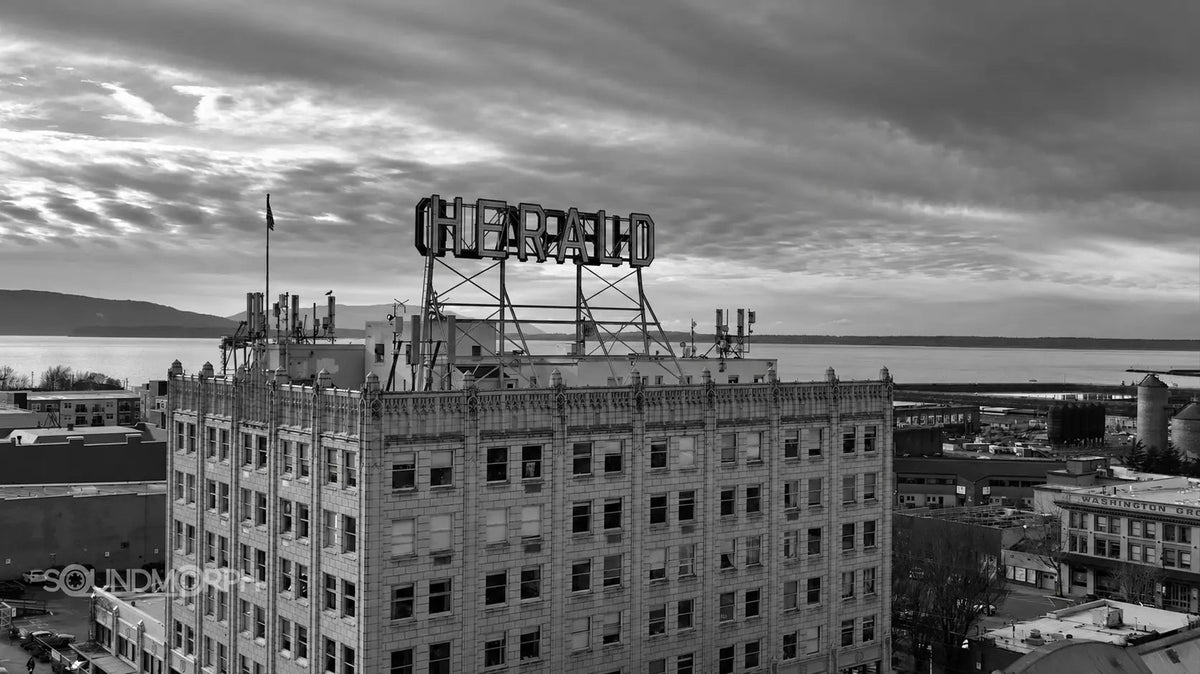
The recording journey took in a 1920s Gothic Revival building and an old Industrial Revolution-era factory. The locations featured in the making-of material include the Herald Building in Bellingham and the city's industrial waterfront.
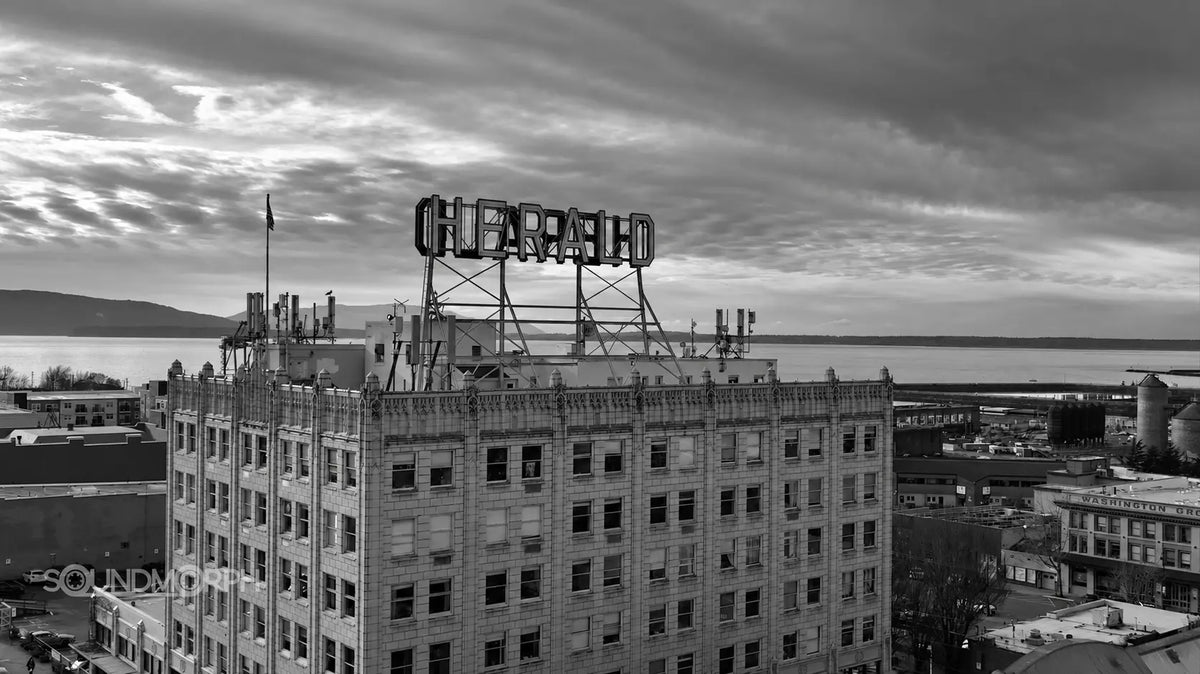
Inside the library, rooftop ambience, parking garages, a water tank, electrical rooms, ventilation systems and mechanical rumble provide a physical foundation. These recordings have a sense of scale and irregularity that can be useful before any processing begins. A quiet hum can establish a room; a changing mechanical texture can suggest activity somewhere out of sight.
Tape textures, synthesis and transformation
Cassette manipulations, broken-tape textures, synth drones and machine-like tones form a large part of Doom Drones 3. Some stay near a sustained note or hum. Others shift, fray and become harder to identify. Sounds such as Cold Tape Warble, Grain Ghosts, Space Machine Room and Factory Floor suggest the range, alongside the Cassette Manipulations series.
The three designers brought different approaches to the collection. The result ranges from heavy mechanical beds to unstable tones, distant hums and quieter, suspended atmospheres.
Watch and listen
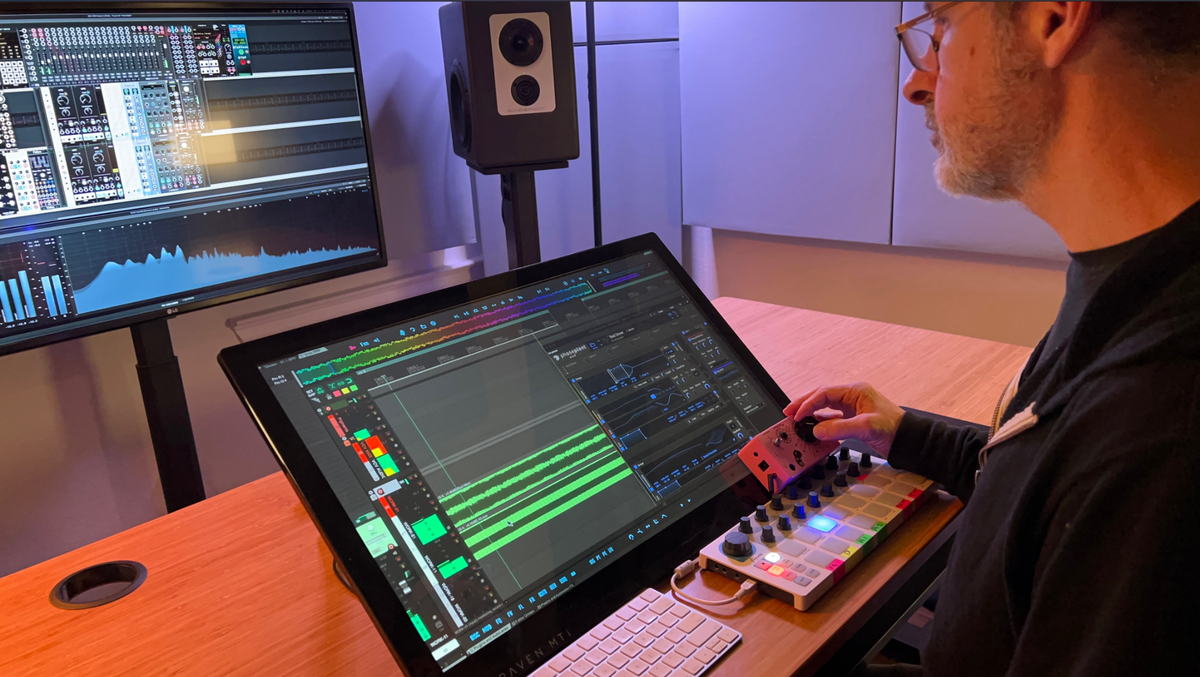
Watch Jason Cushing discuss the ideas and gear behind Doom Drones 3. For the location film and the library's audio player, visit Doom Drones 3.
Three ways to use dark drones in a scene
These are starting points for working with the library, rather than a reconstruction of the designers' sessions.
1. Establish a place before introducing a threat
Start with an environmental recording that suits the scale of the scene. Bring in a designed drone quietly enough that the space still feels believable. As the scene develops, automate the drone's level or filtering so the change follows the picture. Try the transition without a sharp impact: a gradual shift can be enough to make an ordinary room feel unsafe.
2. Give a sci-fi environment a physical foundation
Pair mechanical rumble or ventilation with a more abstract tone. Let the recording carry the impression of a real space while the designed layer suggests unfamiliar technology. Check the low end against dialogue and music; two heavy layers can obscure each other even when each sounds impressive on its own.
3. Use contrast to make a reveal land
Choose a drone with room to evolve, then reduce or remove it just before an important action. Compare the reveal with and without that gap. If you add a creature sound or impact, let it occupy a different part of the spectrum so the atmosphere supports the moment.
What is included?
- 303 WAV files
- 12+ GB
- 24-bit / 96 kHz audio
- 280 designed drones
- 23 files across ambience, machinery, electrical hum, siren and tuned percussion categories
- Descriptive filenames and category metadata
Explore Doom Drones 3 and browse the filenames, or compare it with other horror sound effects and sci-fi sound effects.
New to SoundMorph?
First Contact is a free introduction with 100+ cinematic WAV sound effects and 1.16 GB of impacts, whooshes, sci-fi energy, robotic movements, textures and percussion. Create a SoundMorph account and join the newsletter to claim it. It is a separate collection, rather than a Doom Drones 3 demo pack.
Best Whoosh Sound Effects for Film, Trailers, and UI: A Designer’s Guide