

Horror Sound Effects
11 libraries shown


Horror pulses, glitches and stingers.Horror pulses + stings.
Play — Bloody Nightmare
Open product & full demo$69.00


Dark field recordings and drone loops.Dark ambient loops.
Play — Doom Drones
Open product & full demo$39.00
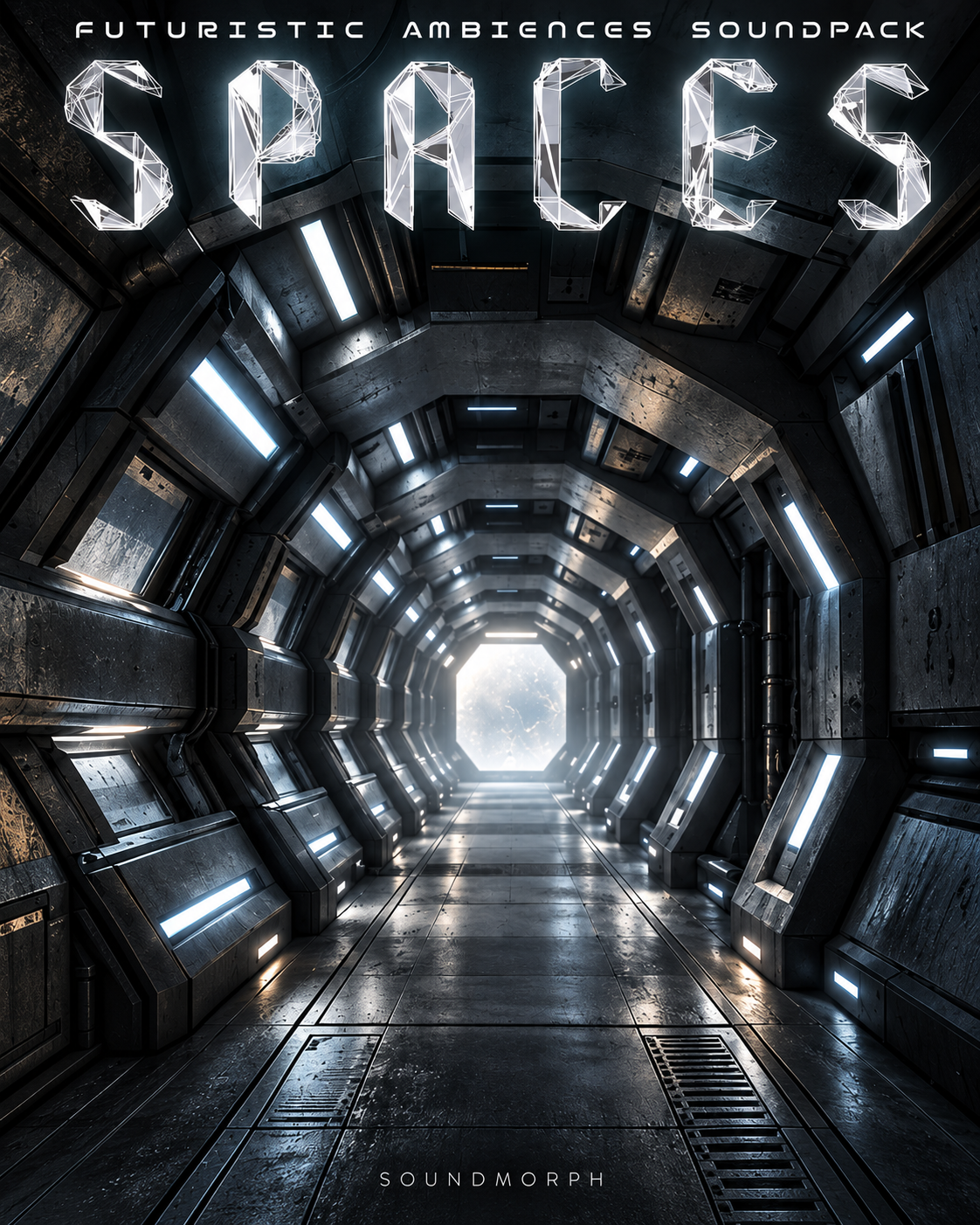

Cinematic ambiences and backgrounds.Cinematic ambiences.
Play — Spaces
Open product & full demo$39.00


Blood splatters, stabs and gushes.Blood and stab FX.
Play — Gore
Open product & full demo$99.00


Suspense drones, textures and stings.Suspense drones + FX.
Play — Tension
Open product & full demo$39.00


Dark drones and surreal ambiences.Surreal dark drones.
Play — Doom Drones 2
Open product & full demo$69.00


Bamboo flute drones and eerie shrieks.Flute drones + shrieks.
Play — Tortured Flutes
Open product & full demo$29.00


Mutant insect flight and wing effects.Insect flight + wings.
Play — Mutant Insects
Open product & full demo$69.00


Bone breaks, flesh tears and blood.Bone, flesh and blood.
Play — GORE 2
Open product & full demo$249.00


Organic creature transformation FX.Creature mutations.
Play — Morphosis Creatures
Open product & full demo$99.00
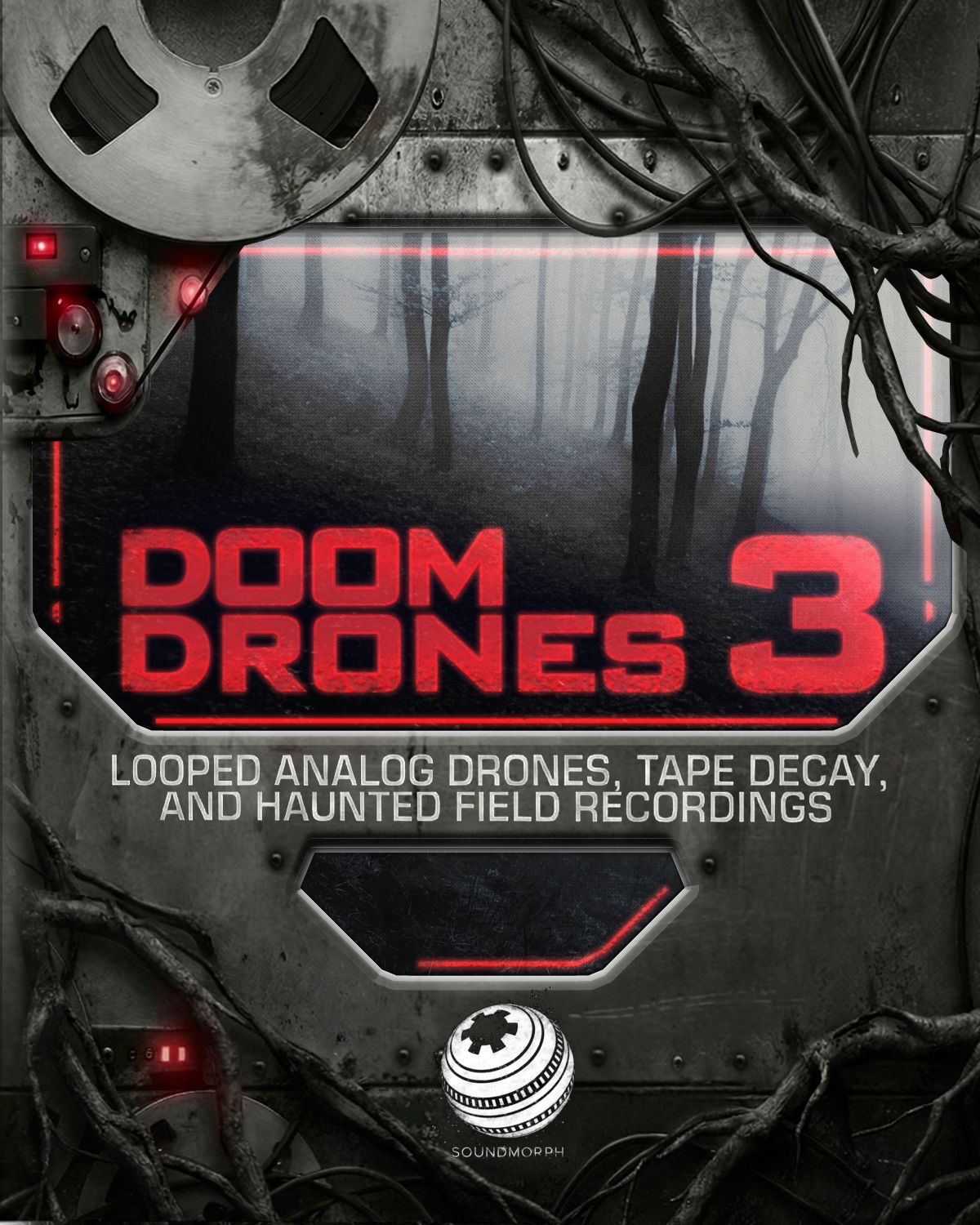

Dark drones, tape textures and field recordings.Dark drones + atmospheres.
Play — Doom Drones 3
Open product & full demo$99.00
Build unease with horror sound effects for film, games and trailers: dark drones, creature voices, disturbing textures and visceral impacts.
Choose the sound your scene needs
- Atmosphere and dread: explore Doom Drones 3 for evolving drones, tape textures and industrial environments, or compare the earlier Doom Drones and Doom Drones 2 libraries.
- Creatures and close encounters: audition Mutant Insects and Morphosis Creatures for a presence you can hear before you see it.
- Physical detail: explore Gore and GORE 2 when a scene needs visceral texture.
Listen in the context of your scene
Use the library previews above to compare texture and movement. Try a quiet atmospheric layer beneath dialogue, then reserve sharper sounds for a reveal. Check each product page for its file list, format and licensing details.
Go inside the recording process in Doom Drones 3: Behind the Sounds.
Start with a free download
First Contact includes 100+ cinematic WAV sound effects and 1.16 GB of impacts, whooshes, sci-fi textures and more. An account and newsletter signup are required. It is a broad introduction to SoundMorph, with sounds to try in your own projects.