



Start with synthesis
Explore percussive sounds built using FM and Karplus–Strong techniques.
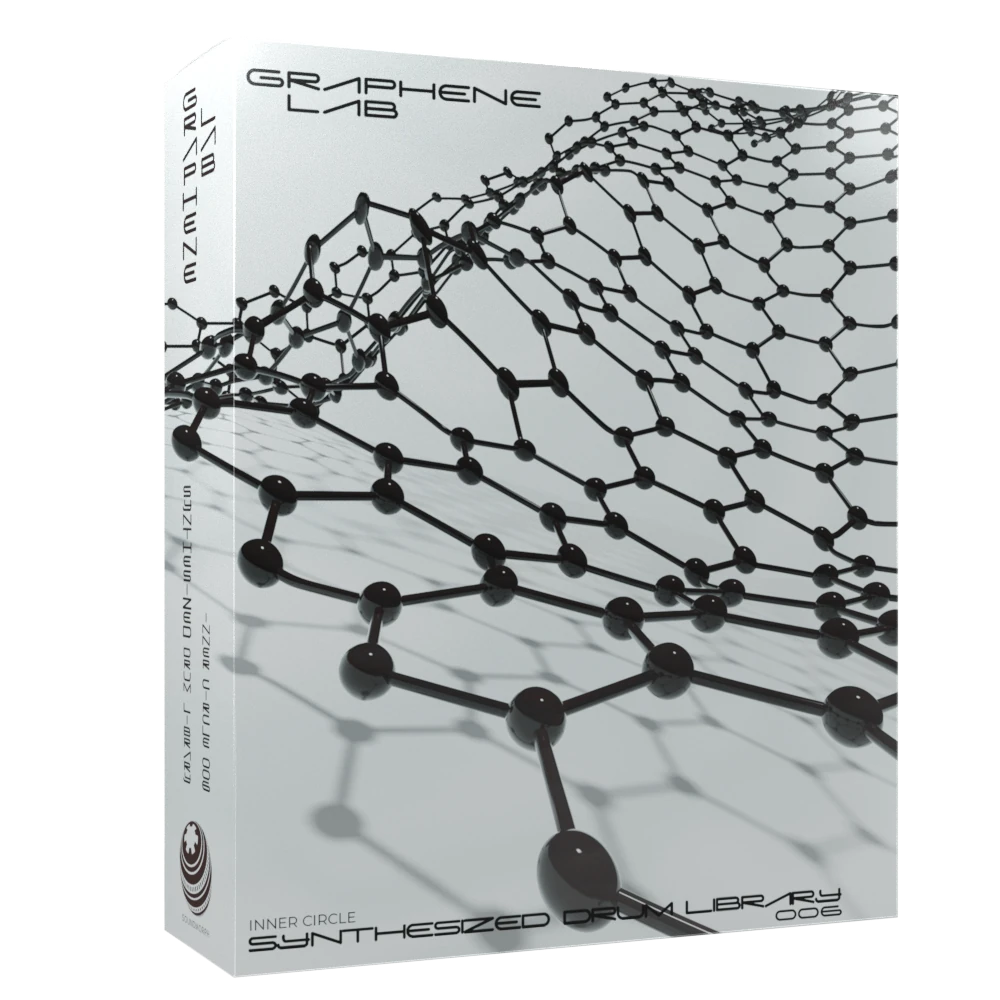

Graphene Lab is a synthesized drum and percussion library by Matthieu Debliqui, also known as Subjex, created in collaboration with SoundMorph. FM and Karplus–Strong synthesis, spectral processing and granular techniques shape its detailed electronic sounds. Designed for electronica, IDM, glitch and techno, the collection gives producers and sound designers a palette of unusual percussion to sequence, layer and transform. Its 24-bit / 96 kHz WAV files leave room for creative pitching and processing, whether you are building a precise groove or taking a rhythm apart.
287 sounds1.2 GB, 358 files, 14 kits & 24 loops24bit 96kHz .wavSynthesized Drum Library
287 synthesized drums by Subjex, shaped with FM, granular processing and spectral rhythms.
IDM / Glitch / Techno
Listen to the demo
Graphene Lab Listening room
Explore in headphones
Graphene Lab
Press play to explore
You can also listen with the original player:
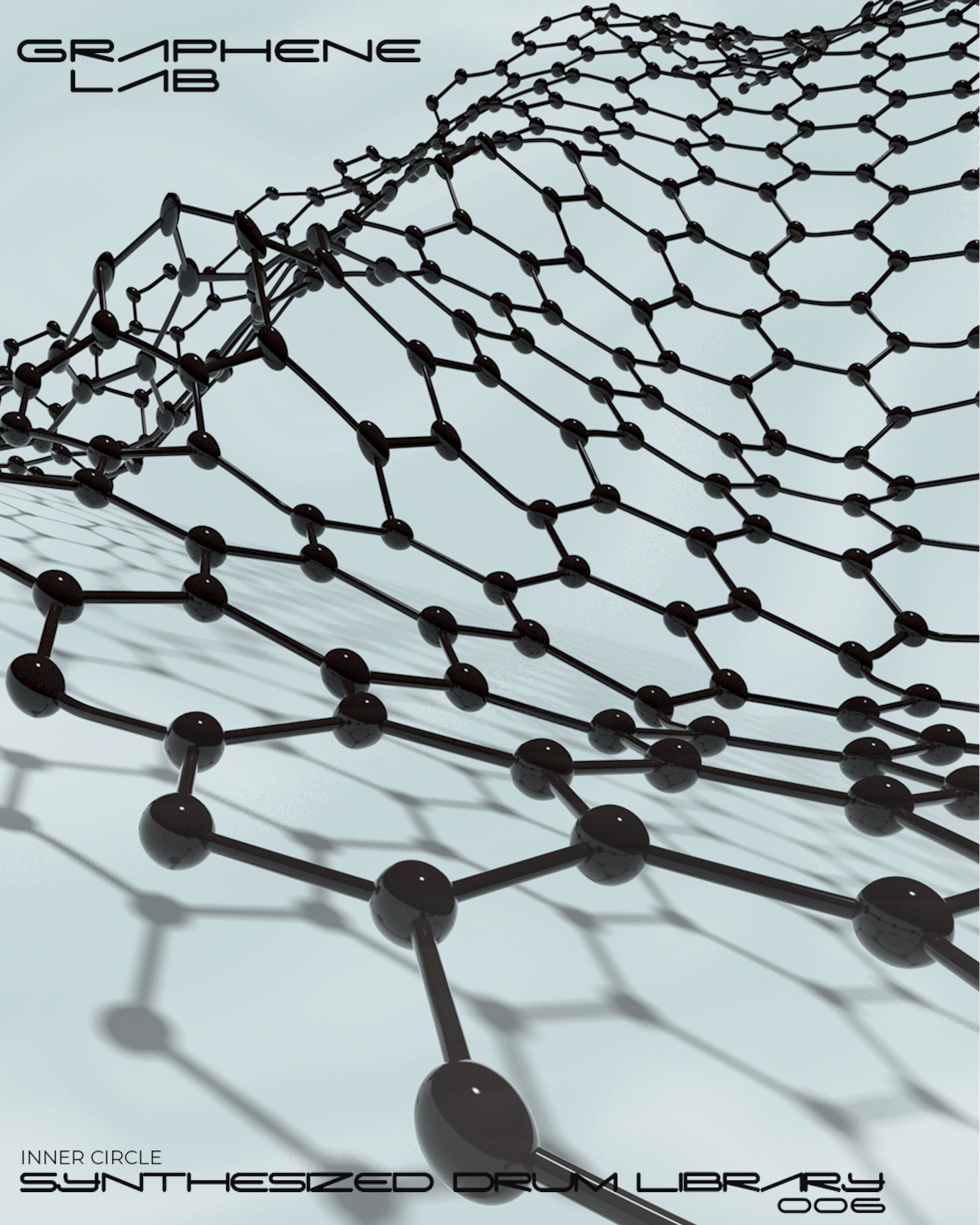
Graphene Lab

Limited-time bonus
Any purchase. Now through Black Friday.
Delivered at the end of Black Friday, November 27, 2026.
Tesla sparks, electrical textures and vintage machines. Explore Spark and read customer reviews to discover what last year’s surprise delivered.
Explore Spark & read reviewsMake any purchase now through Black Friday to receive this year’s mystery sound library free. We’ll reveal and deliver it at the end of November 27, 2026.
“Great textural source material for electronic and ambient music.”
Get Graphene Lab with more.
The complete collection
A complete rhythmic toolkit
Add a different dimension to this library.
INNER CIRCLE / IDM / Glitch / Techno
Subjex / Matthieu Debliqui
Graphene Lab approaches percussion as a synthesis experiment. Created by Matthieu Debliqui, also known as Subjex, it brings together FM and Karplus–Strong synthesis, spectral rhythms and granular processing. The result is a detailed palette for electronica, IDM, glitch and techno producers who want to explore beyond familiar drum sounds.
Subjex’s precise, exploratory approach gives each kit its own direction. Work with FM Bits, FM Karplus, Ghost Freq, Polar Smear and other included kits, then pitch and process the 24-bit / 96 kHz source files into your own rhythmic language.
Explore percussive sounds built using FM and Karplus–Strong techniques.
Bring spectral and granular character to an electronic rhythm section.
Pitch, layer and process high-resolution WAV sources in your own workflow.
Ableton, Battery, Kontakt and Maschine templates
Explore all drum librariesIf you have any questions, you are always welcome to contact us. We'll get back to you as soon as possible, within 24 hours on weekdays.
Digital delivery
Access your purchased sounds and software through your SoundMorph account. Log in to your library. If a purchase is missing, contact us with your order number.
Customer support
Need help with a download or installation? Contact our team with your product, operating system, and a description of the issue. Never send your password.
Questions before buying?
Find answers about account access, licensing, and Universe membership in our FAQ.
Contact SoundMorph
Get in touch about a product or order. For team licensing or custom sound design, tell us about your studio.
“The sounds also work really nicely for further design.”
IDM / Glitch / Techno
Precision synthesis meets mutant percussion: FM, Karplus–Strong and granular experiments by Subjex.
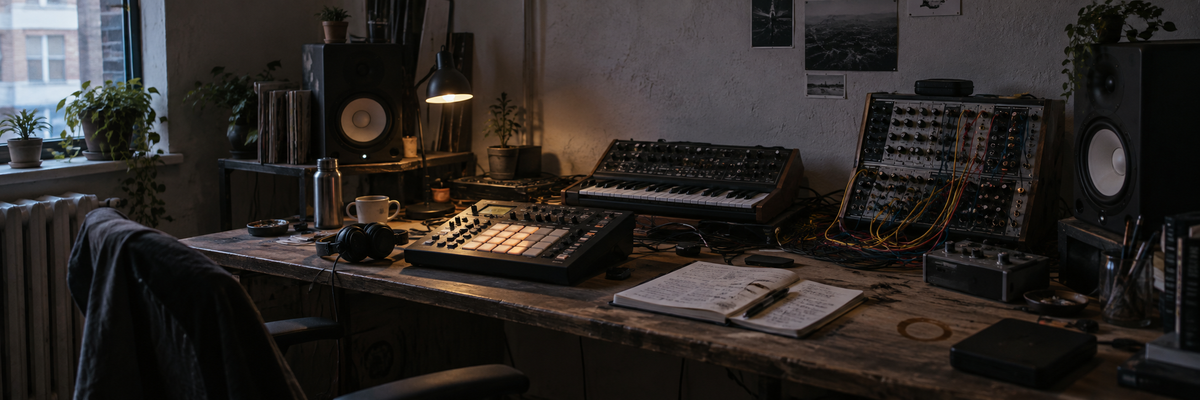
Listening room
Explore in headphones
Press play to explore
You can also listen with the original player:
Choose the Mac or Windows installer for your computer. Your manual and license key are listed separately when available.