Limited-time bonus

A Secret Library. Yours free.

Any purchase. Now through Black Friday.

Delivered at the end of Black Friday, November 27, 2026.

About the bonus

Last year’s surprise was Spark.

Tesla sparks, electrical textures and vintage machines. Explore Spark and read customer reviews to discover what last year’s surprise delivered.

Explore Spark & read reviews

This year is still under wraps.

Make any purchase now through Black Friday to receive this year’s mystery sound library free. We’ll reveal and deliver it at the end of November 27, 2026.

Press play

Something is already here.

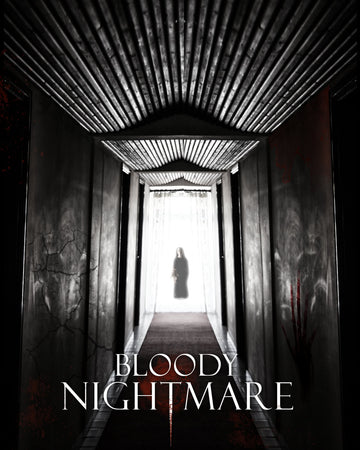
Set an unsettling foundation with Tension and Doom Drones. Bring the threat closer with Monster Within, Gore and Bloody Nightmare.

Sound library

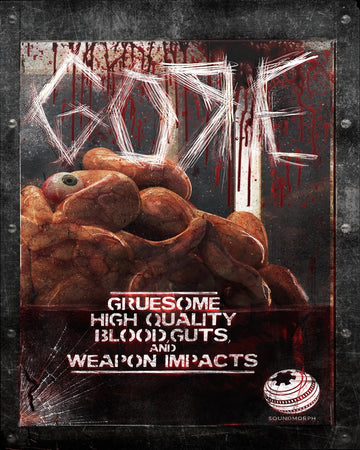
Gore

Visceral source and designed effects.

Gore Listening room

Explore the sound.

Explore in headphones

Gore

Press play to explore

0:00—:——
Explore the library — Gore

Sound library

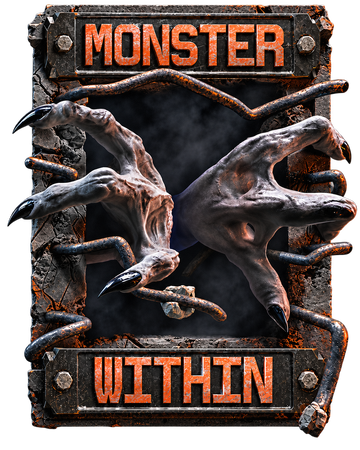
Monster Within

Creature voices and monstrous character.

Monster Within Listening room

Explore the sound.

Explore in headphones

Monster Within

Press play to explore

0:00—:——
Explore the library — Monster Within

Sound library

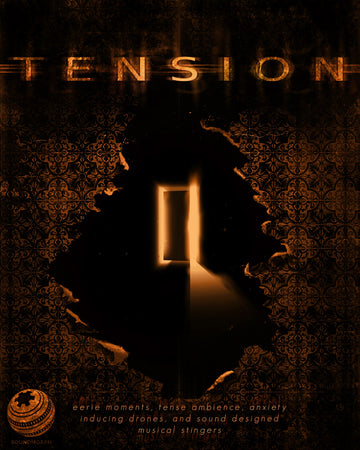
Tension

Suspenseful textures for the space before the impact.

Tension Listening room

Explore the sound.

Explore in headphones

Tension

Press play to explore

0:00—:——
Explore the library — Tension

Sound library

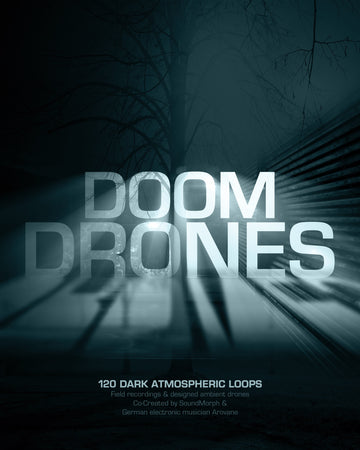
Doom Drones

Dark drones and atmospheric unease.

Doom Drones Listening room

Explore the sound.

Explore in headphones

Doom Drones

Press play to explore

0:00—:——
Explore the library — Doom Drones
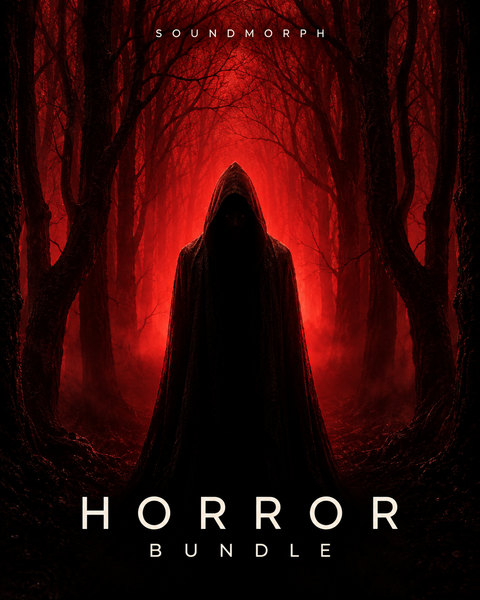
Horror Bundle

Make it yours

Horror Bundle

6 libraries

  • 5 stars: 8 (89%)
  • 4 stars: 1 (11%)
  • 3 stars: 0 (0%)
  • 2 stars: 0 (0%)
  • 1 star: 0 (0%)
N
Nolan n.

Gore has been an asset in my workflow

S
Stephen R.

Decent bundle. Was odd that some Doom Drones content was included in Doom Drones 2.

Thanks for your review Stephen, we added a bit of Doom Drones 1 material just as a bonus for those that may not own it.

K
KATSUHIRO U.

This sound is good for creating a horror effect.

R
Ryan M.

These libraries are essential for any modern horror project. Saved my tail in many situations. I regret not buying this sooner!

A
Alex K.

I love these libraries. I make music, and they really create a delicious evil vibe right away!

c
charles l.

It’s a bundle that have great content. It’s so good

A
Aaron B.

Genuinely spooky sounds. Not just just for soundtracks. I had a lot of fun even using them in trap tracks. A lot of variety of sounds, some of them are really gory, but others are just eerie and would add a touch of the occult.

R
Rory O.

I can find something in this bundle for every project, not just horror. The sounds bring a whole new dynamic to scenes

R
Robert D.

Absolutely fantastic bundle. Every horror producer needs this.

Explore the individual sounds.

Explore individual sounds

A few sounds to explore from the collection.

Important install note

Open this file after downloading every part:

For multipart sound libraries

  1. Download every part into the same folder. Wait until every download has finished, and keep the original filenames unchanged.
  2. Open Part 1 only in one of the apps below: the file ending in .7z.001, .zip.001 or .part1.rar (sometimes .part01.rar). For older .rar + .r00 sets, open the .rar file.
  3. The app reads the remaining parts automatically and extracts the complete library. Keep all parts together until extraction finishes; you do not need to open the other parts.

If your library contains separate, complete ZIP archives instead of numbered volumes, extract each ZIP separately. Software installers have their own instructions.

Mac — Keka recommended
Keka is our recommended Mac app for large SoundMorph libraries and can be faster than The Unarchiver. Get the free direct download from Keka’s website, or support its developer with the Mac App Store version ($6.49 USD). Store pricing varies by region and may change. The Unarchiver also works and is free. Extraction speed depends on your Mac and the archive.

Keka users: allow folder or drive access

Keka needs permission to read the folder or drive holding your downloads, especially multipart archives on an external drive. If you have not already granted access:

  1. Open Keka → Settings (or Preferences) → File Access.
  2. Click the + button at the bottom left. Select the folder or drive containing all your downloaded parts, then click Give access to Keka (or Open).
  3. If you are extracting to a different folder or drive, grant access there too. Then open Part 1 only again.

Seeing “Operation not permitted” or “Cannot open the file as archive”? Check Keka’s access first. These messages do not necessarily mean the download is damaged.

Show Keka settings (+ button)
Keka File Access settings. Use the plus button in the bottom-left corner to add the folder or drive containing your downloads.
The arrow points to the + button. Add the folder or drive you are using; the entries shown here are just an example.

Windows — 7-Zip
Use 7-Zip, a free archive extraction app for Windows.

Make sure your drive has enough free space for both the downloaded archive parts and the extracted library.

* We’re developing a SoundMorph downloader and installer app to make downloading and installing your libraries faster and easier. Coming in 2027!

SOUNDMORPH / LICENSE

Who will use these sounds?

Choose your license.

Choose your license

Subtotal—

Taxes and discounts calculated at checkout. License details